

Your Child's Digital Adventure
Built for Sierra Leone
Four worlds built on the Sierra Leone curriculum. Narrated for children who are still learning to read. Start exactly where the child is - nothing is locked.
View Our Amazing Learning Worlds
Nothing is locked - every child starts their first quest right now.

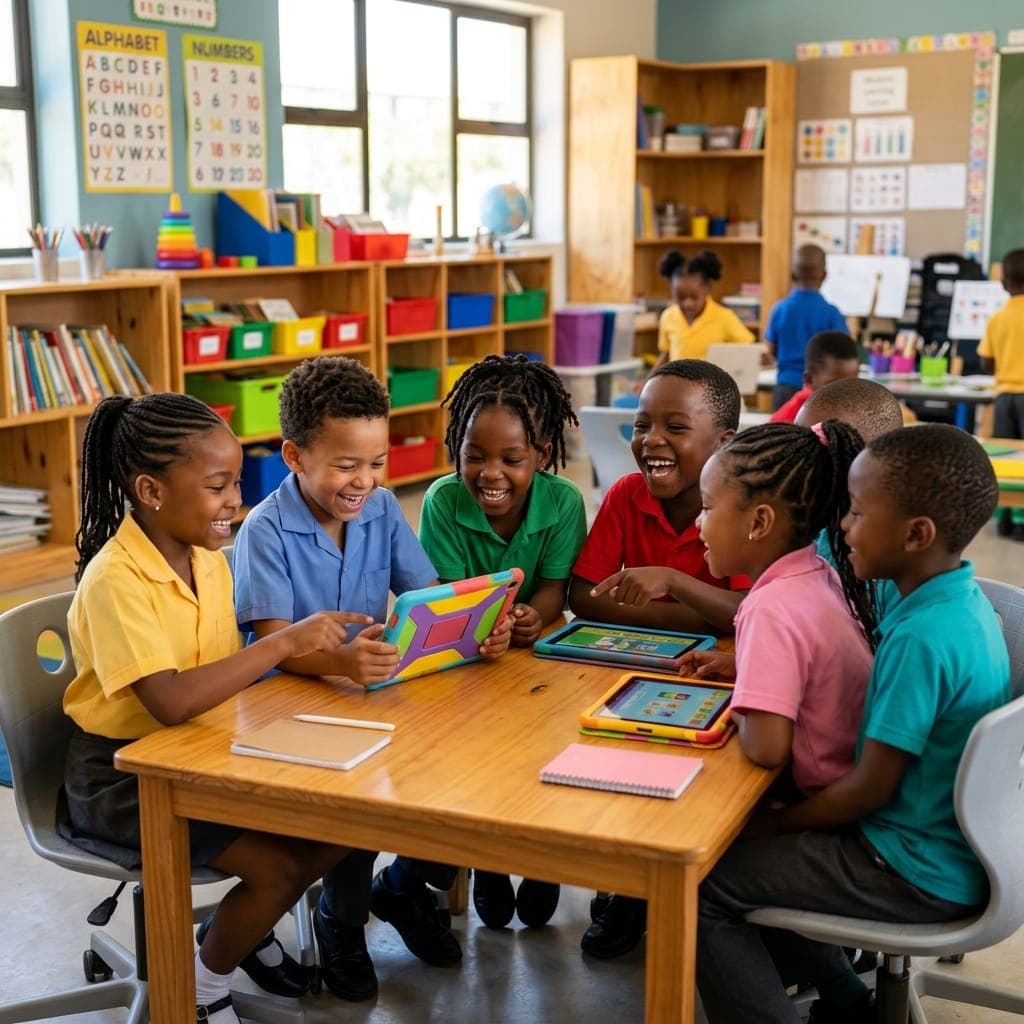
Built For Young Minds To Thrive
We designed TeKi-SL for Kids specifically for early learners in Sierra Leone. It's not just a game - it's a structured curriculum wrapped in play.
- No Reading Required
- Sierra Leone Curriculum
- Bilingual Support
- Safe & Ad-Free
Curriculum-Aligned Learning
Every quest maps directly to the Sierra Leone national curriculum.
 Joyful Early Learning
 Growing Readers
Child-Led Discovery
Nothing is ever locked. Every child starts the first quest immediately, at exactly their own pace.
Four Steps To Mastery
Every topic follows a proven rhythm that keeps children engaged and learning.
Learn
Watch an animated story that explains the new concept simply.
Play
Practise what you learned through an interactive game.
Make
Apply your new skills in a creative lab environment.
Celebrate
Earn a Teki Gem and see your progress grow.
Made to work in a real Sierra Leonean home.
No new device to buy, no reading skill required, and lessons that follow what your child is taught in school.
See a free lessonWorks on the phone you already own
TeKi-SL for Kids opens in a normal web browser on any phone, tablet, or school computer. There is no app to install and nothing extra to buy.
Narrated in English and Krio
Every story, instruction, and game is read aloud, so a child who is still learning to read can start today and build reading along the way.
Follows the national curriculum
Lessons map to the Sierra Leone school syllabus, so screen time reinforces classroom work instead of pulling against it.
Play, Learn, and Grow Together
Try a real lesson right here - no login needed. Every quest has a narrated story, an interactive game, and a hands-on lab.
Story
Narrated lessons your child can see and hear
Game
Fun interactive challenges that reinforce learning
Lab
Touch, move, sort, and test objects yourself.
Count the mangoes
Touch each mango as you count.
How many mangoes?
Teki quest
One clear learning action at a time.
See and hear the idea before answering.
Current mode
Lesson
See and hear the idea before answering.
Tips, Stories & Learning Insights
Practical ideas for parents and educators about giving children in Sierra Leone the best start with technology.
Not at all! Every story, instruction, and game is fully narrated. Children can start their learning journey simply by listening and tapping, building their reading skills naturally along the way.
Yes. TeKi-SL for Kids is a completely closed environment. There are no external links, no advertisements, and no public chat features. We are fully compliant with children's data protection standards.
Our content is built on the Sierra Leone national curriculum for early years education. We cover foundational literacy, numeracy, shapes, and early digital skills, reinforcing what they learn in the classroom.
Absolutely. Parents get access to a dashboard that shows which quests your child has completed, what concepts they are practicing, and how many Teki Gems they have earned.
No. TeKi-SL for Kids works directly in a web browser on any phone, tablet, or computer with an internet connection. There is nothing to install and nothing extra to buy.
Got Questions?
Here is everything you need to know about getting your child started on TeKi-SL for Kids.
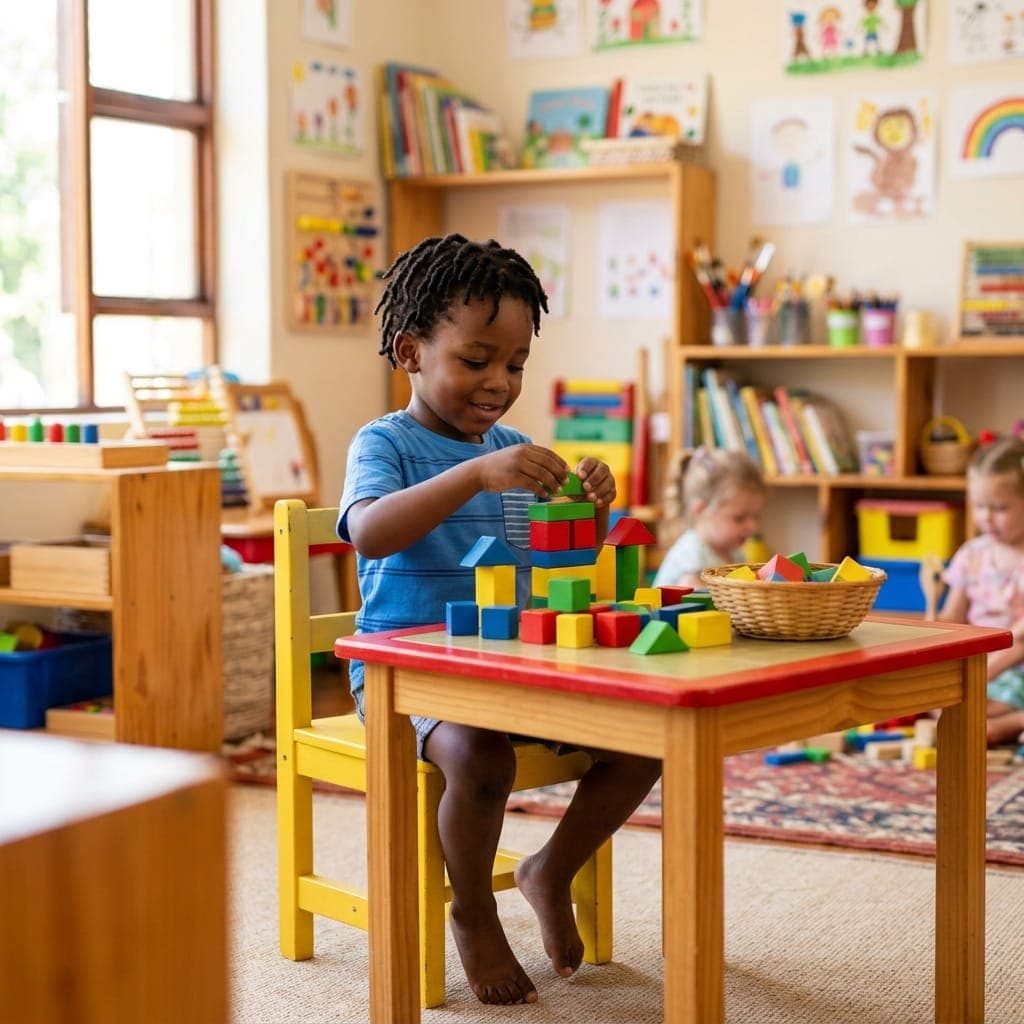
Where Every Little Step Leads to Big Discoveries.
Join thousands of children in Sierra Leone building their digital future, one fun quest at a time.
Start Learning Now